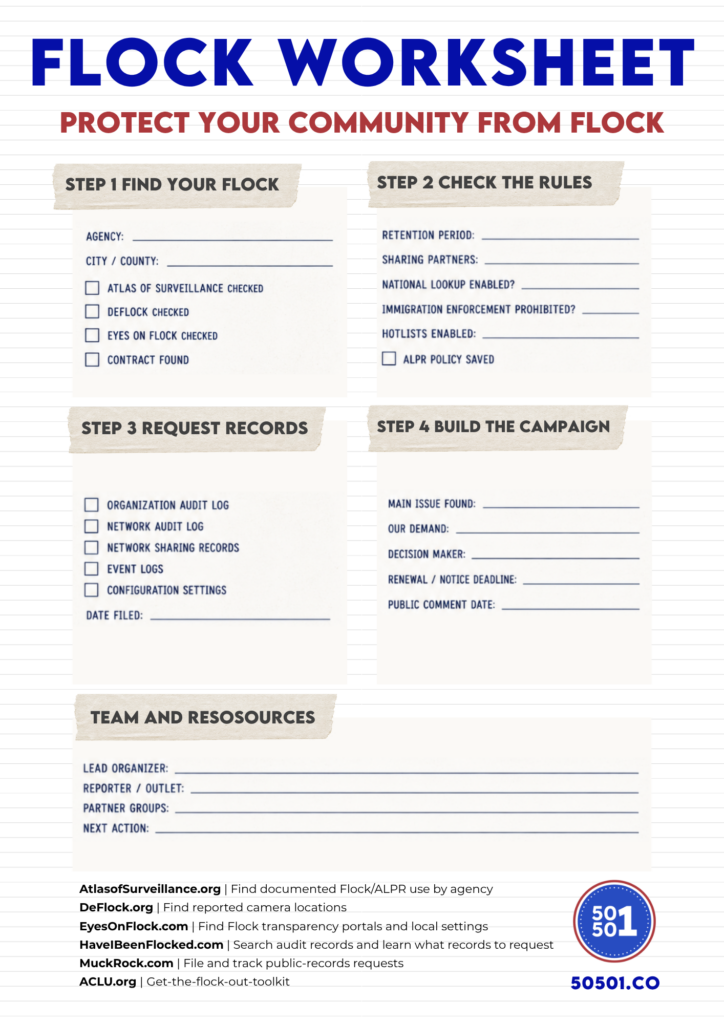
***Use the printable worksheet at the end of this article to track what you find.
Step 1: how to Find Local Flock information
Start by finding the agency that operates Flock cameras near you or in your city.
The Electronic Frontier Foundation’s Atlas of Surveillance lets you search by city, county, and law-enforcement agency.
DeFlock maintains a crowdsourced map of reported ALPR camera locations.
Look for the department’s Flock transparency portal through Eyes on Flock.
Depending on what the department discloses, a portal can show Flock camera counts, retention, sharing behavior, used hotlists, prohibited uses, look-up volume, ALPR policy, and public audit logs.
Next, visit your city website and look through council agendas, meeting minutes, procurement records, budgets, and consent agendas. Search for “Flock,” “Flock Safety,” “ALPR,” “automated license plate reader,” and “automatic license plate reader.”
ALPR.watch can also help by tracking local government meetings where ALPR issues appear on the agenda.
Step 2: Learn how your local Flock is set up
Two cities can use Flock and have very different systems.
Save a dated copy of any ALPR policy the department publishes then compare the policy to whatever the agency discloses in its portal, audits, or public records.
Start with Retention.
Flock announced a new recommended 7 day retention period, but customers with existing accounts aren’t automatically moved to that setting. Your city may still be keeping plate data longer. Check the local number rather than assuming the default applies.
Then look at Sharing.
Which departments can search your city’s cameras? Is the agency participating in a broader network? Are outside or out-of-state agencies able to access the data?
Next, look at Hotlists and Immigration-Related settings.
Check if the settings support their policy claim. The Electronic Frontier Foundation published records-request language for investigating whether a local agency has enabled the NCIC Immigration Violator hotlist.
And also pay attention to Search Activity.
How many searches are being run? What reasons appear in the audit?
Step 3: Requesting Records
Public portals are useful, but they don’t tell you everything you need to know. This is when you’ll need to send in a records requests.
Have I Been Flocked has one of the most practical organizer resources available. Its Audit Log Request Guide, explains what Flock records are available to you and how to ask for them.
There are three useful audit records:
- The Organization Audit Log covers searches run by the agency’s own users.
- The Network Audit Log will go over outside agencies searching the department’s data.
- The public audit, if one is available, is the thinner public facing version.
Don’t stop with just the search logs and be sure to ask for network-sharing records, event logs, configuration settings, the current contract, along with any contract amendments or renewals.
Request records in their original electronic format, including CSV files if they’re available. Searchable spreadsheets are more useful than screenshots or large PDF file-dumps.
For help with request documents, use Have I Been Flocked’s Open Records Guide, which draws on hundreds of completed requests and examples you can use.
You can file directly with the agency or use MuckRock to file and track your requests.
If you need help understanding your state’s records law, check the Reporters Committee Open Government Guide and the National Freedom of Information Coalition’s state resources.
If requester privacy matters, decide that before filing since requests and request correspondence might become public, MuckRock publishes requests systematically.
If you receive useful records, consider submitting them to Have I Been Flocked so other communities can use them too.
Step 4: Turn records into a local community campaign
If your city retains data longer than necessary, organize around retention.
If outside agencies have broad access, organize around sharing restrictions.
If immigration enforcement is prohibited but the settings or hotlists prove otherwise, organize around disabling those uses and publishing the evidence.
Flock’s offense-filtering feature gives communities a specific demand to consider and lets a city follow a search while blocking immigration-enforcement searches from outside agencies.
Find the contract’s renewal or non-renewal deadline.
Check if the agreement will renew automatically, how much notice is required to cancel it, and who has that authority.
The ACLU’s Get the Flock Out Toolkit includes local organizing guidance, a model local ALPR privacy bill, and a model resolution for canceling a Flock contract.
Review everything you can so that you’ll be ready for the strongest debate from the other side. For example, Police officials could point to a stolen car recovered or a missing person found. You don’t have to dismiss those cases to ask hard questions.
How much data is being collected? Who can search it? How long is it kept? Who audits the logs? What happens when the wrong plate is flagged?
Build a team
An organizer can monitor agendas, while another can review audit logs. Ask someone to track contracts, can handle records requests, and prepare public comment or talk to reporters if you can.
You can also look for allies through DeFlock’s directory of local groups.
Keep, Use, and Share these resources
- Atlas of Surveillance Find documented Flock deployments by agency.
- DeFlock Crowdsourced camera map, plus a records request guide and a list of local groups.
- Eyes on Flock Index of published Flock transparency portals.
- Have I Been Flocked Collected Flock audit records by agency.
- Audit log request guide Exactly which records to ask for.
- Open records guide State-by-state request templates.
- ALPR.watch Upcoming government meetings with ALPR on the agenda.
- MuckRock File and track public records requests.
- ACLU Get the Flock Out toolkit Local organizing guidance and model policy.
- ACLU model local ALPR bill Adaptable local legislation.
- ACLU model cancellation resolution Ending a contract.
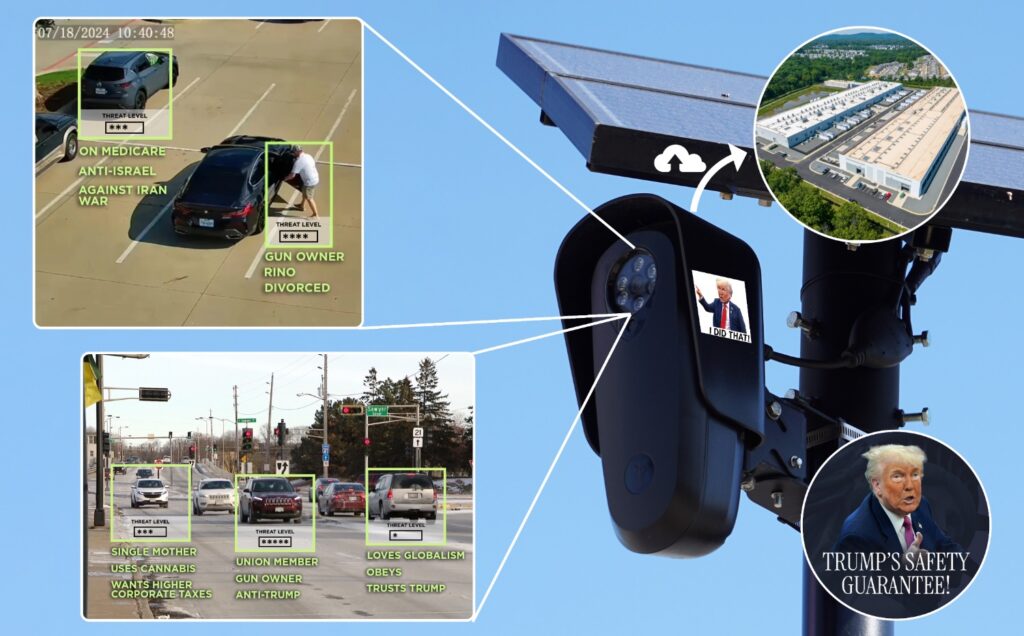
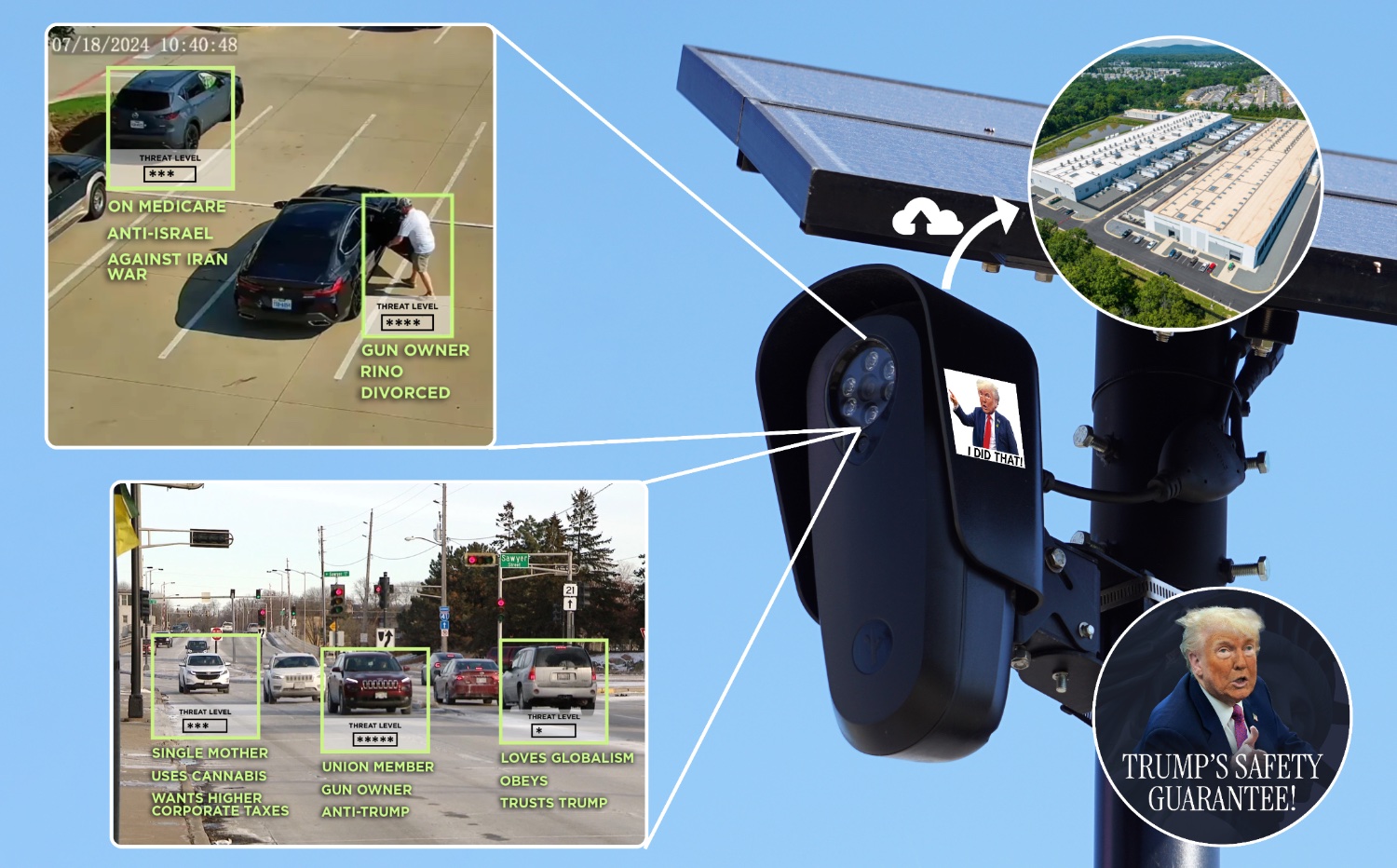
A network of cameras creates searchable records of vehicles everywhere. Combined with other databases or investigative tools, this level of surveillance can reveal patterns about people’s lives and associations. Photo Credit to green_goglin